
Let's talk about your production
One platform, set up for your factory
We listen to how you produce and decide together which modules you need. Installation is done on site and training is included.
A touch tablet next to the machine. No passwords or keyboards: the operator taps a card, starts the job and records time and quantity.
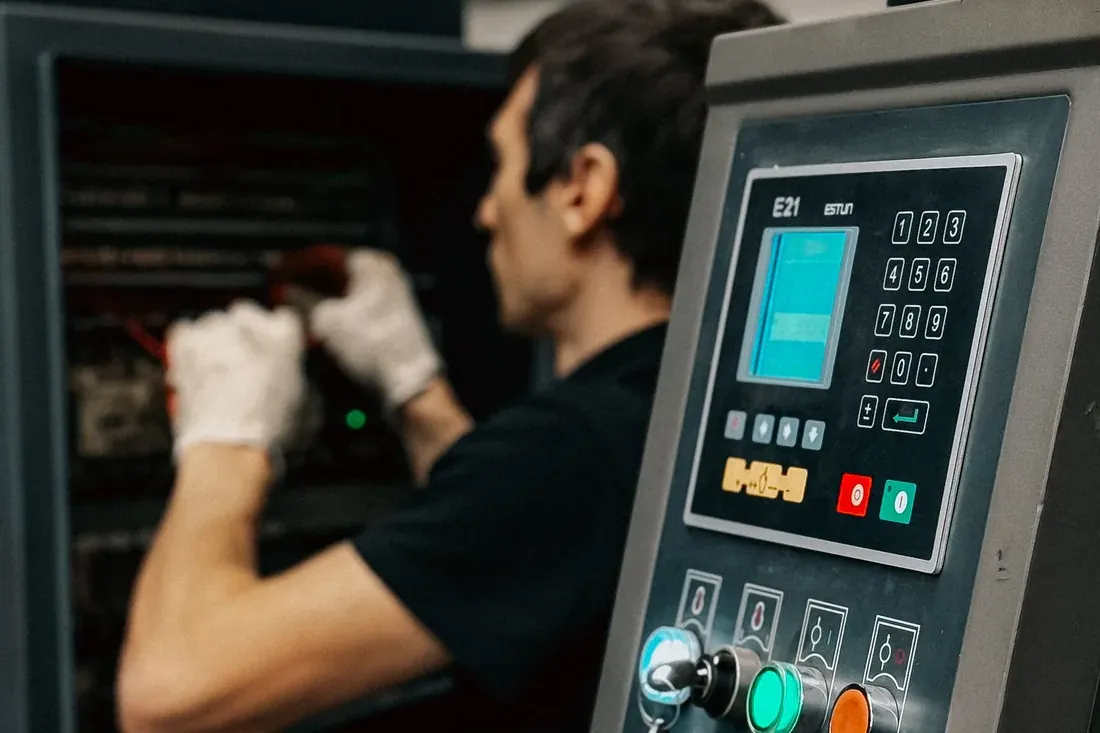
A touch tablet next to the machine. No passwords or keyboards: the operator taps a card, starts the job and records time and quantity.
The terminal is a tablet fixed next to the machine. There are no passwords or keyboards: the operator taps a card, the screen recognises them and lists the jobs on that machine, with any job already in progress at the top.
Time from start to finish, quantity produced, scrap and downtime reason are recorded as they happen. Downtime reasons are picked from a list, so reports do not rely on guesswork later. In-process inspection results can be entered from the same screen.
At shift change another operator continues the same job, and one operator can run several machines at once with the time shared so that labour cost is not counted twice. The andon screen on the shop floor shows live what is running, what has stopped and how jobs stand against their due dates.
Click an image to enlarge it
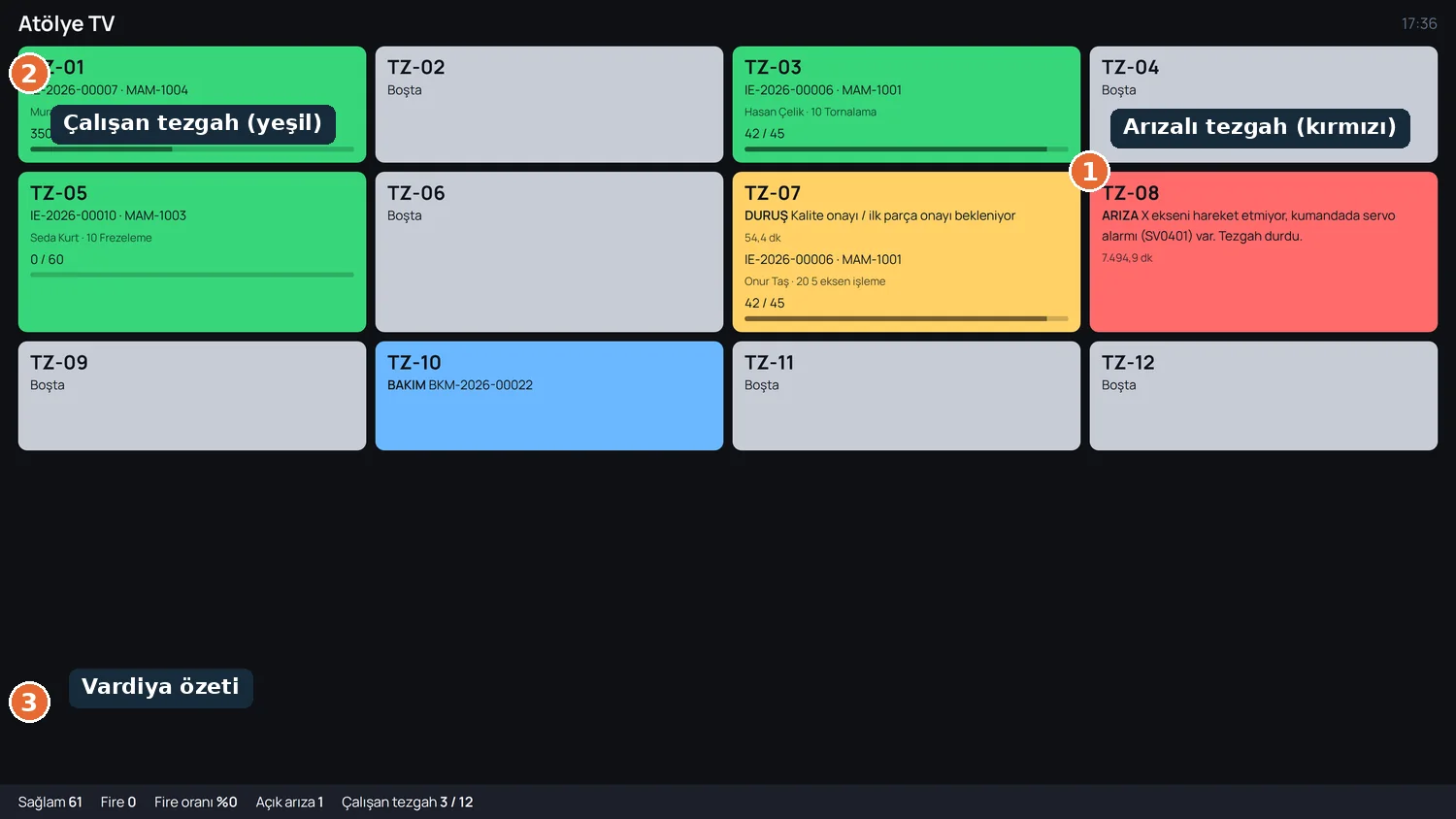
The factory live on a wall display: green running, amber stopped, red breakdown, with the shift summary below
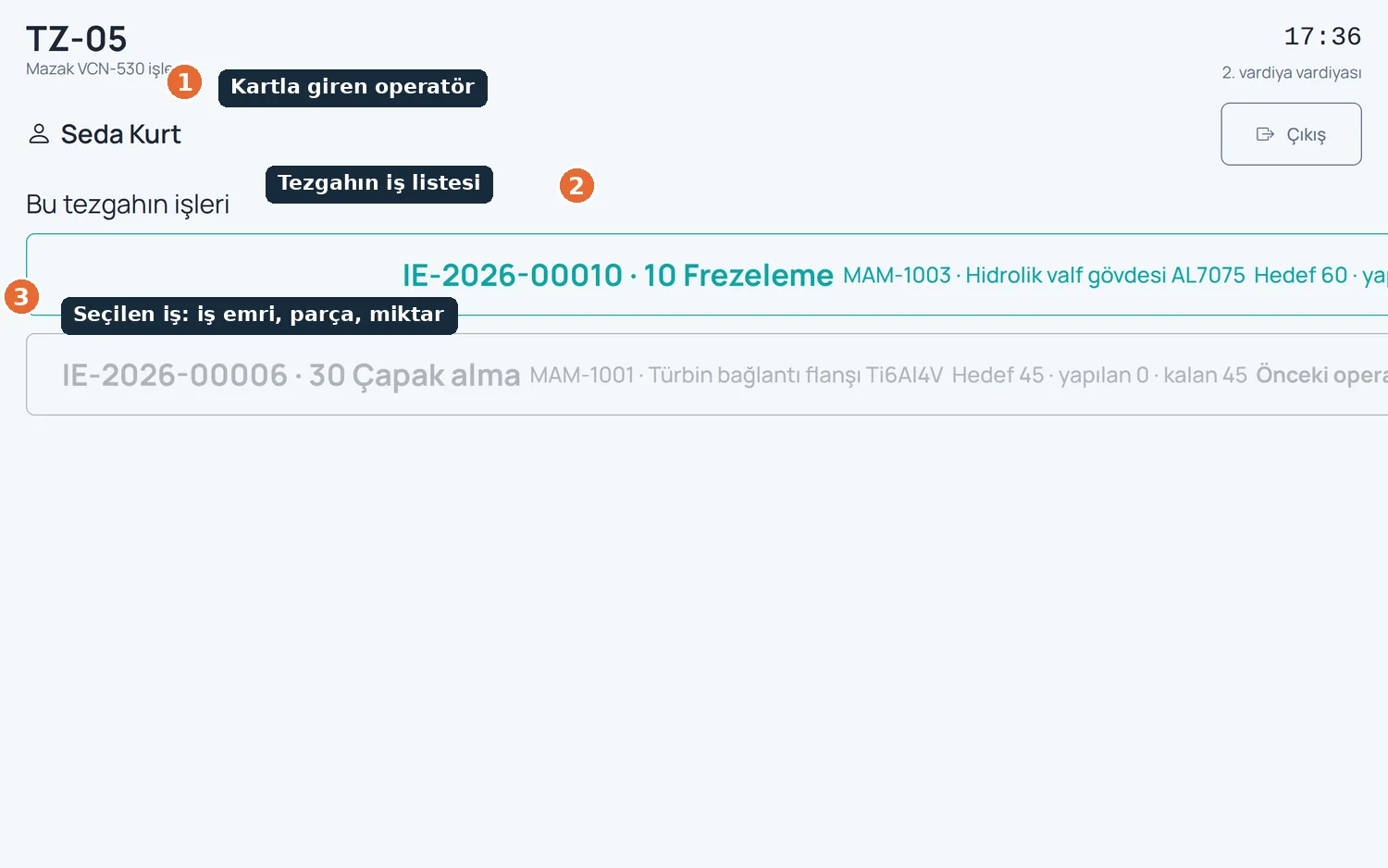
The operator logged in with a card, the machine's job list and the selected job with its work order, part and quantity
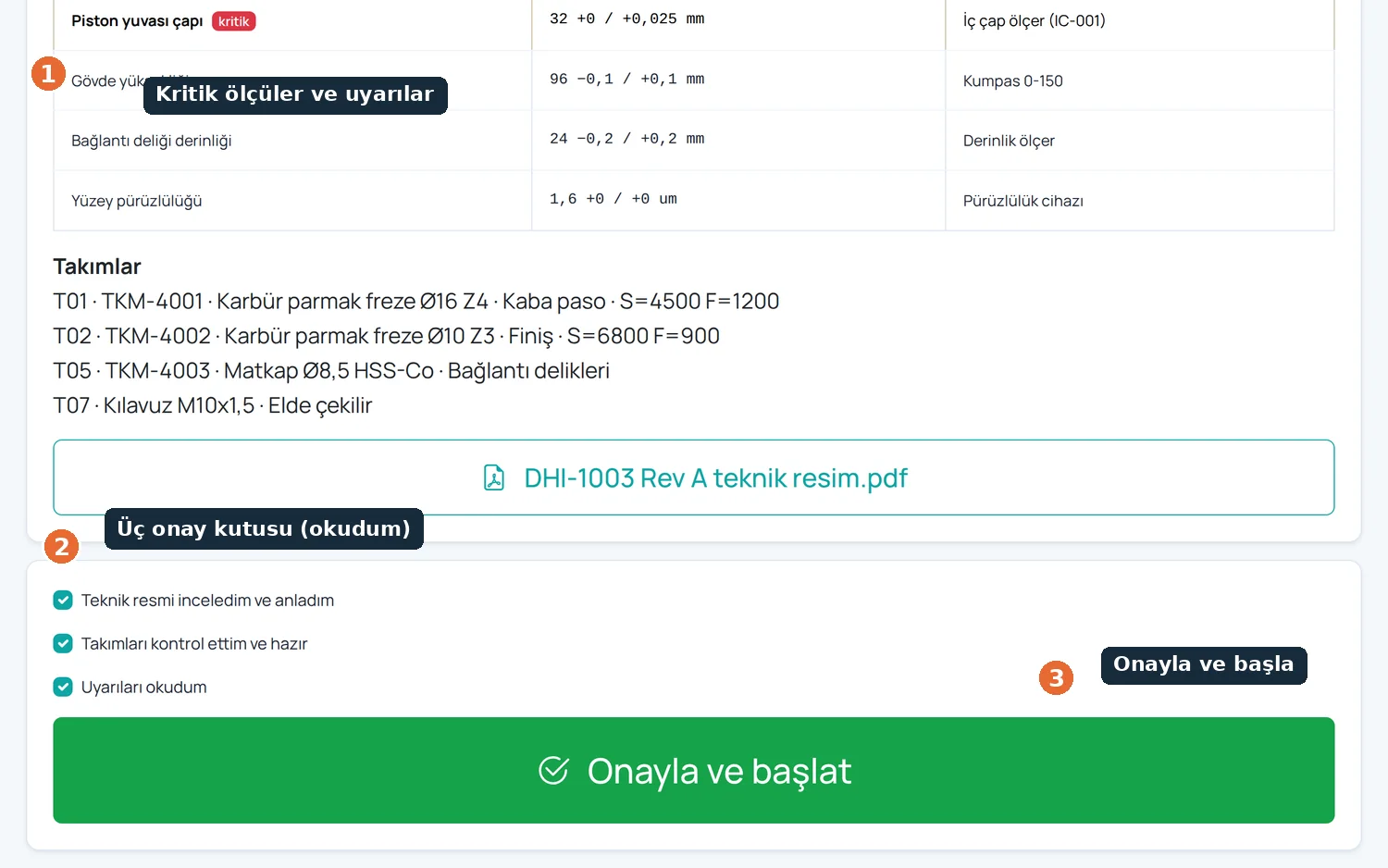
Critical dimensions, warnings and three mandatory confirmations; start stays locked until they are ticked
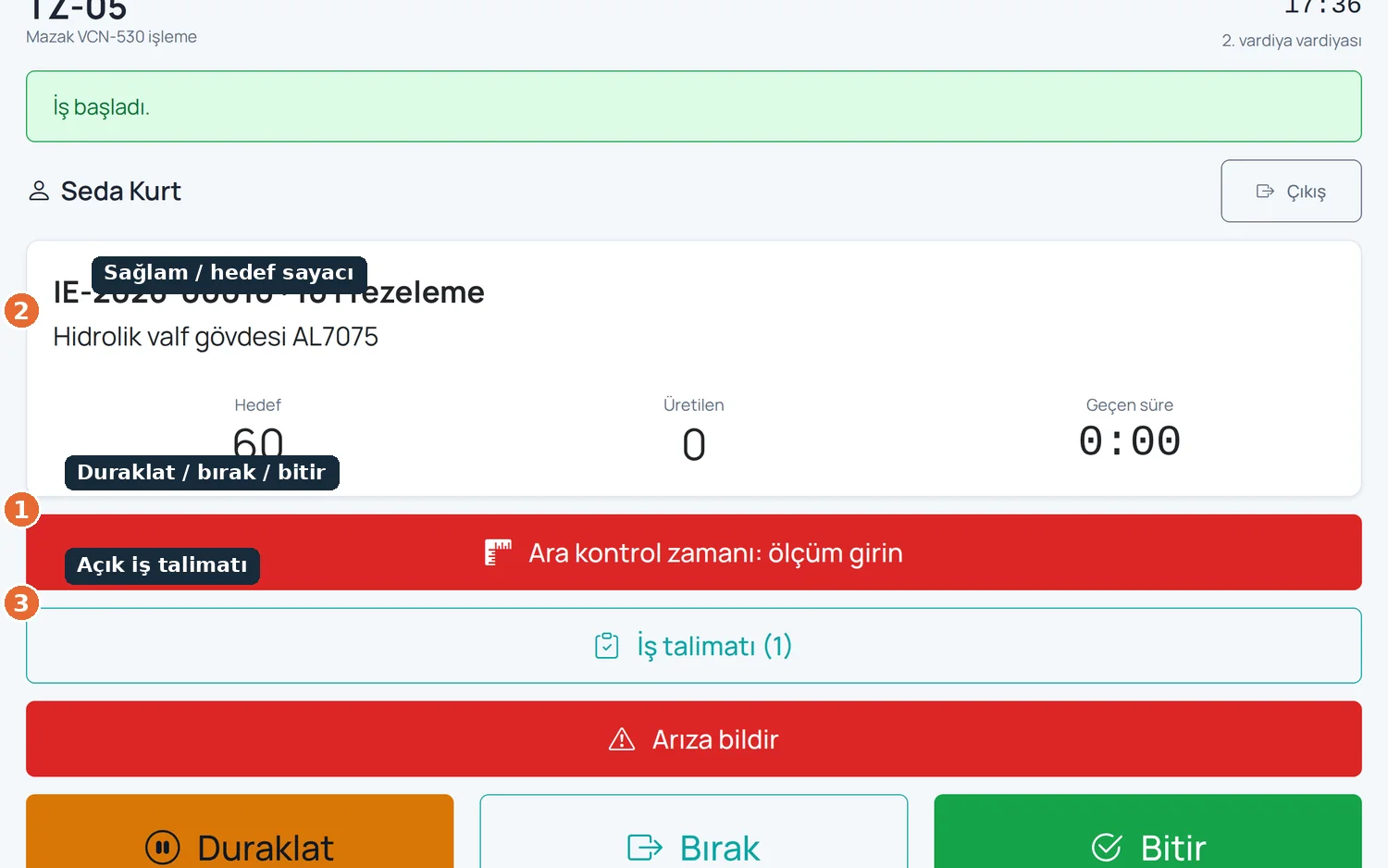
Start, pause, release and finish; good-piece and target counters, with downtime and scrap reasons on large buttons
TIQERP modules run together on a single database
Stock cards, warehouses, shelves, lot tracking, stock vouchers and weighted average cost, all in a single stock ledger.
From requisition to goods receipt: requests, supplier bidding, comparison, orders, receiving and supplier evaluation.
Quotations, revisions, orders, partial shipments and profitability, with prices suggested from actual past cost.
We listen to how you produce and decide together which modules you need. Installation is done on site and training is included.