
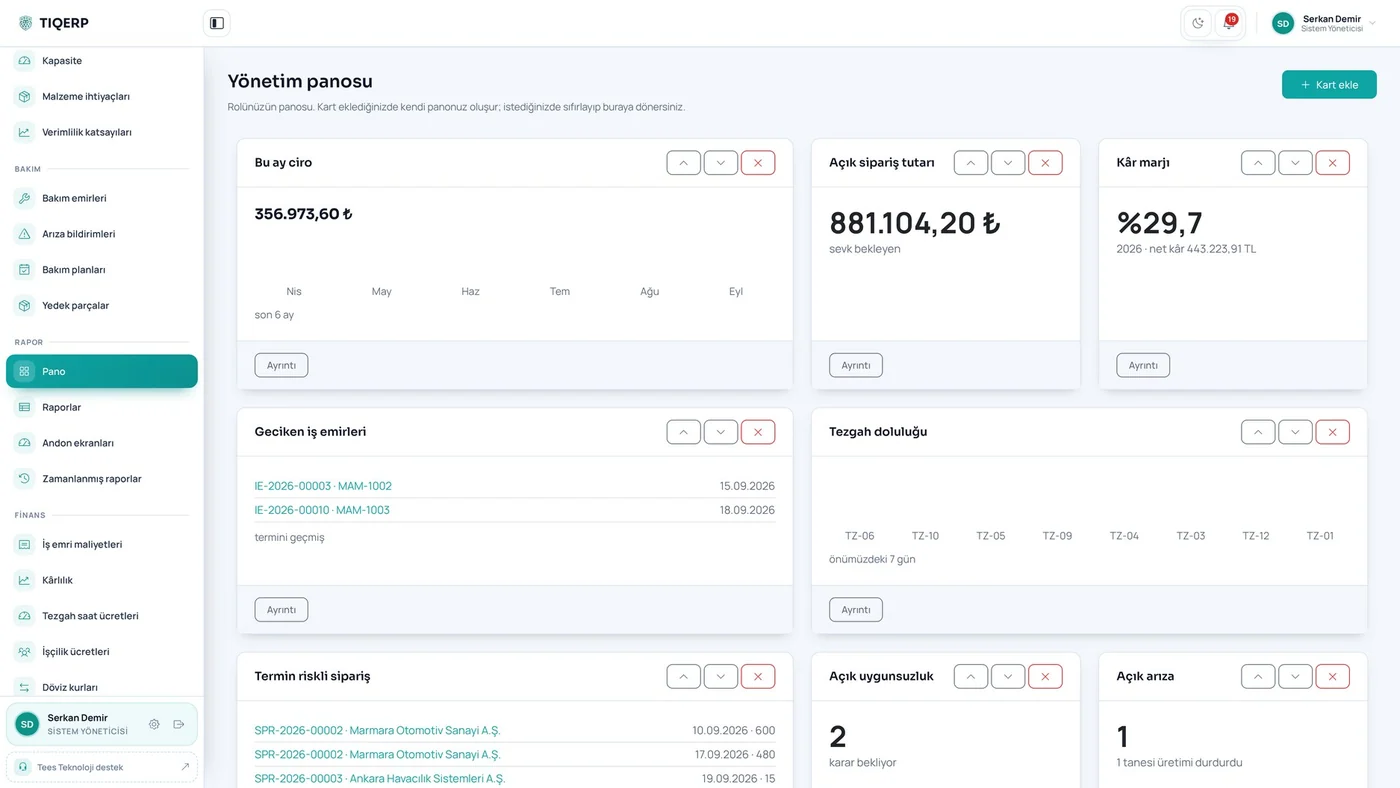
Let's talk about your production
One platform, set up for your factory
We listen to how you produce and decide together which modules you need. Installation is done on site and training is included.
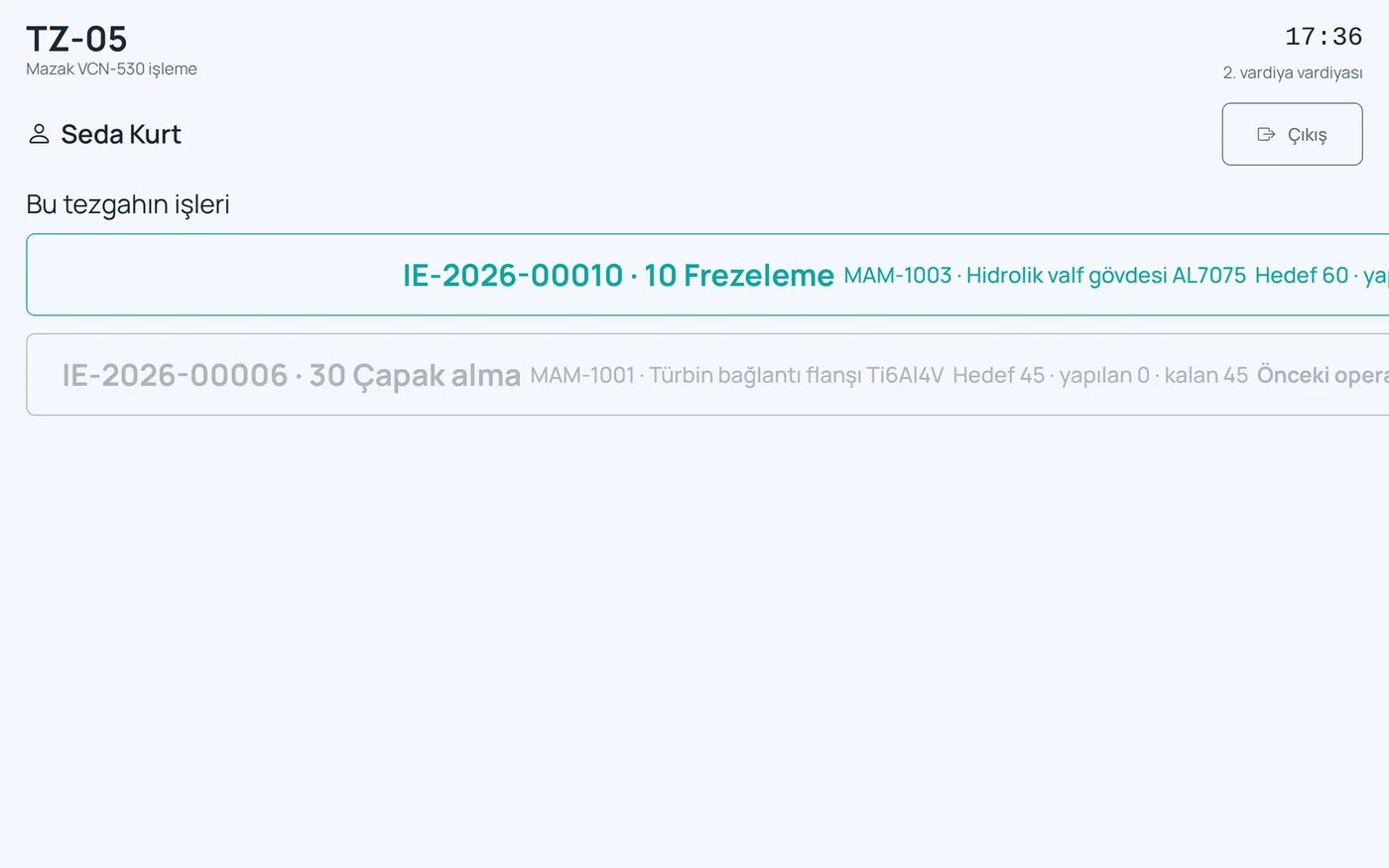
Tap your card, pick your job, approve the drawing and the instruction, start. Time, quantity, scrap and downtime reasons are recorded as they happen.
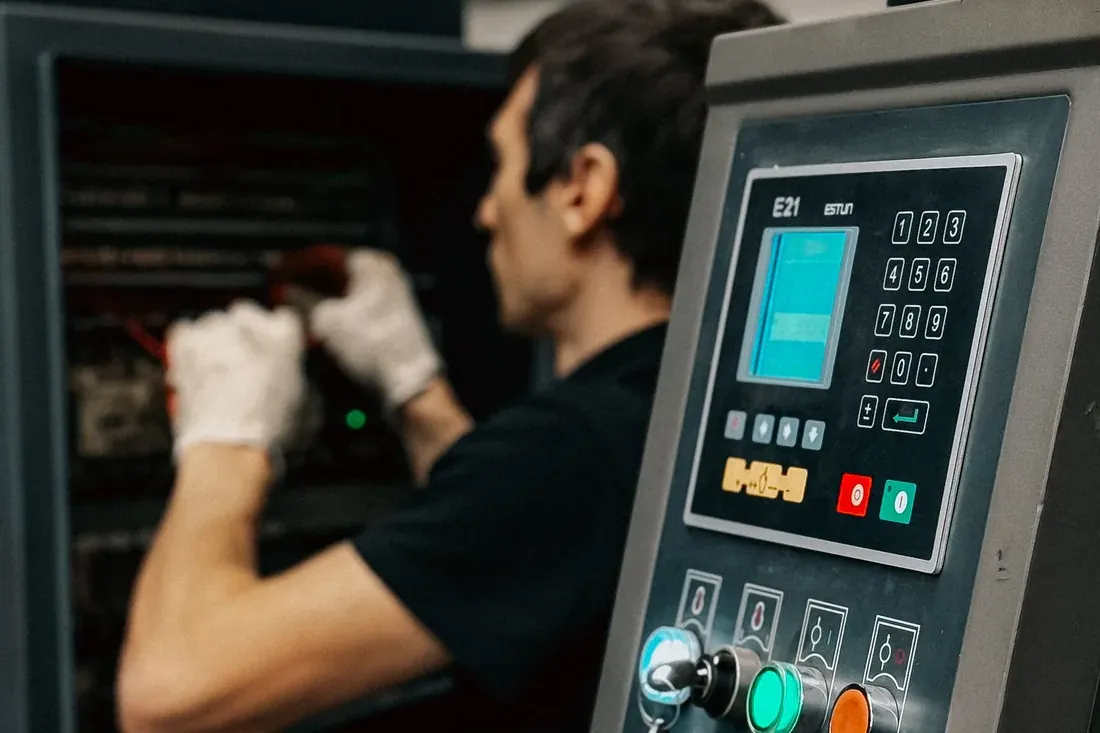
Tap your card, pick your job, approve the drawing and the instruction, start. Time, quantity, scrap and downtime reasons are recorded as they happen.
From tapping the card to finishing the job
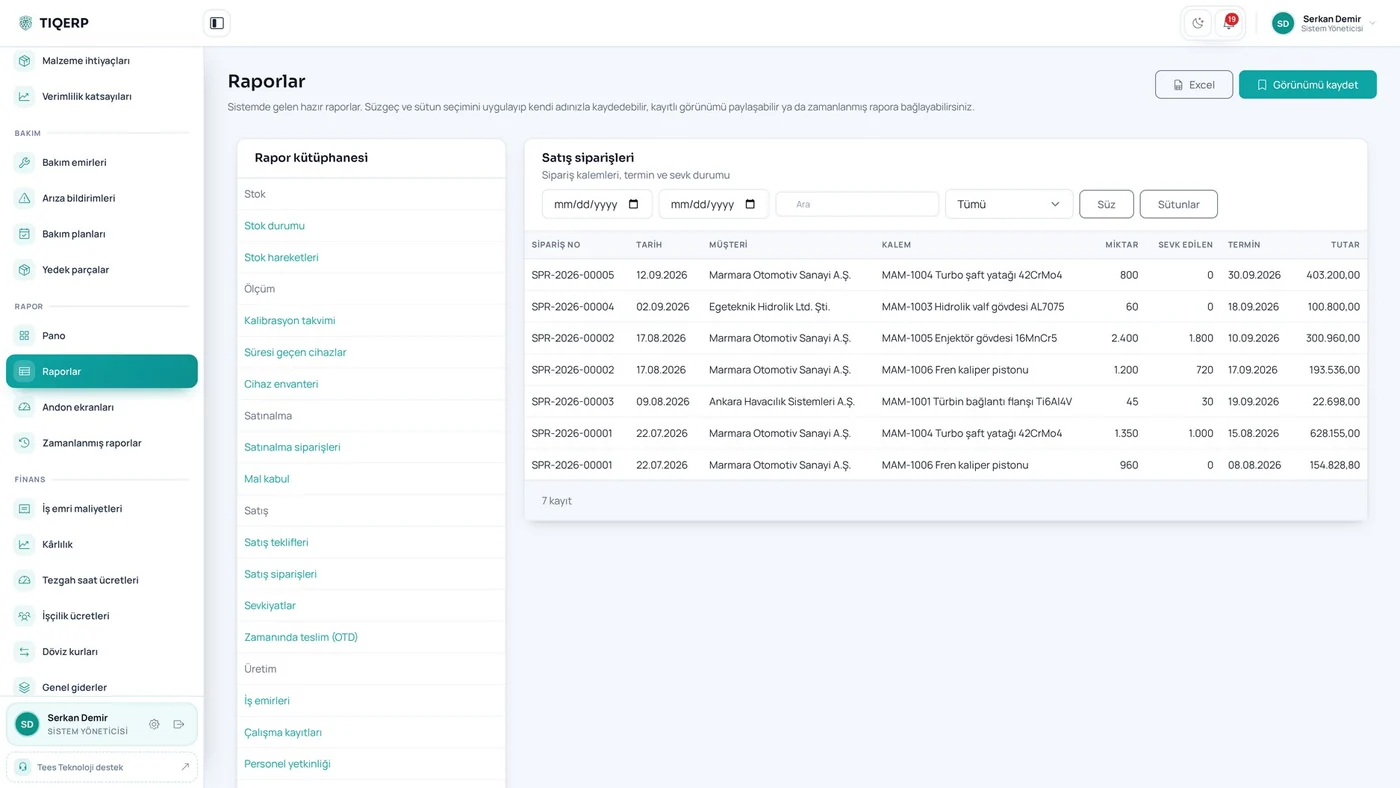
In most shops production data is collected at the end of the day: the operator writes on paper, the supervisor copies it into a book in the evening, and someone types it into a system the next morning. Three things disappear along that chain — the real duration, the reason for the stoppage and where the scrap occurred. By month end, costing becomes guesswork.
TIQERP solves this next to the machine. The terminal is a tablet with no password and no keyboard. The operator taps a card, the screen recognises him and lists the jobs on that machine.
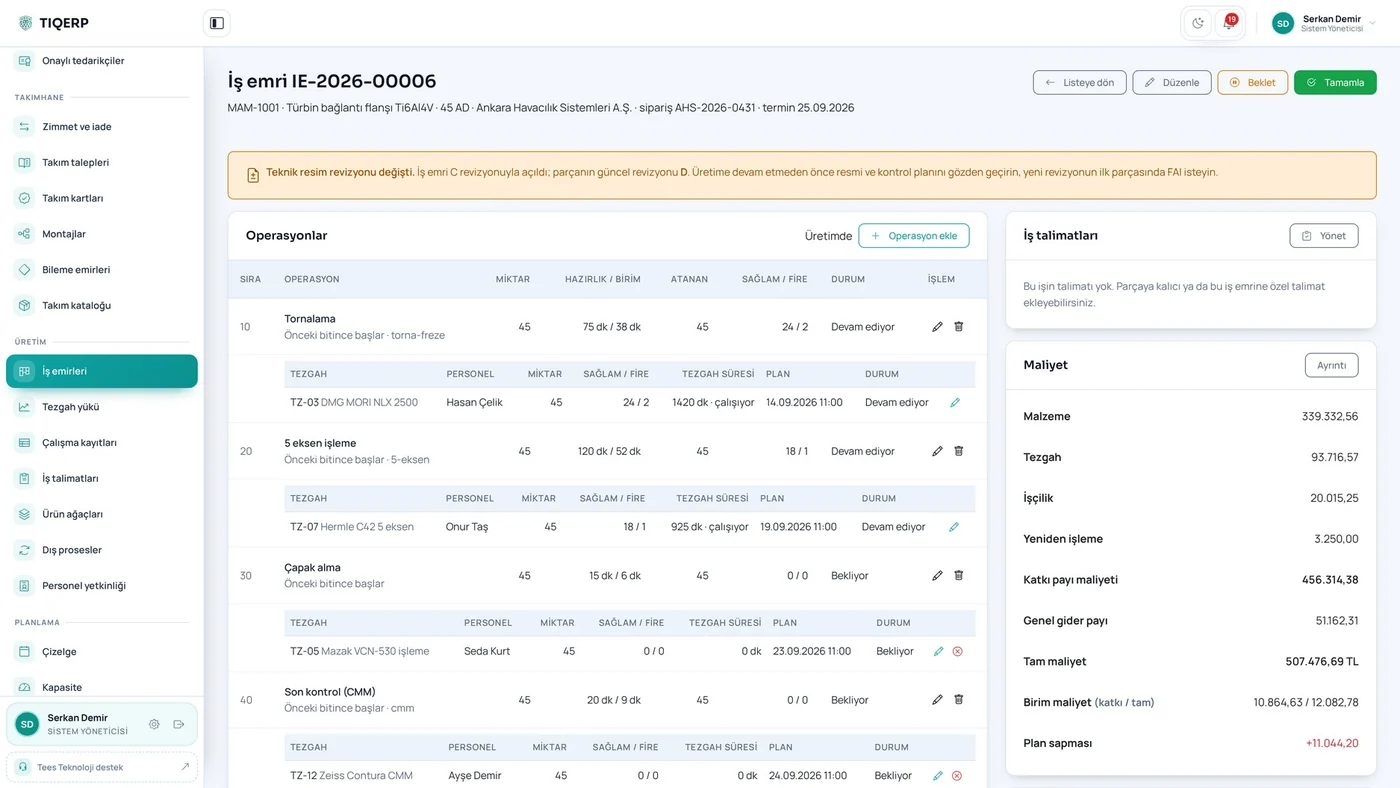
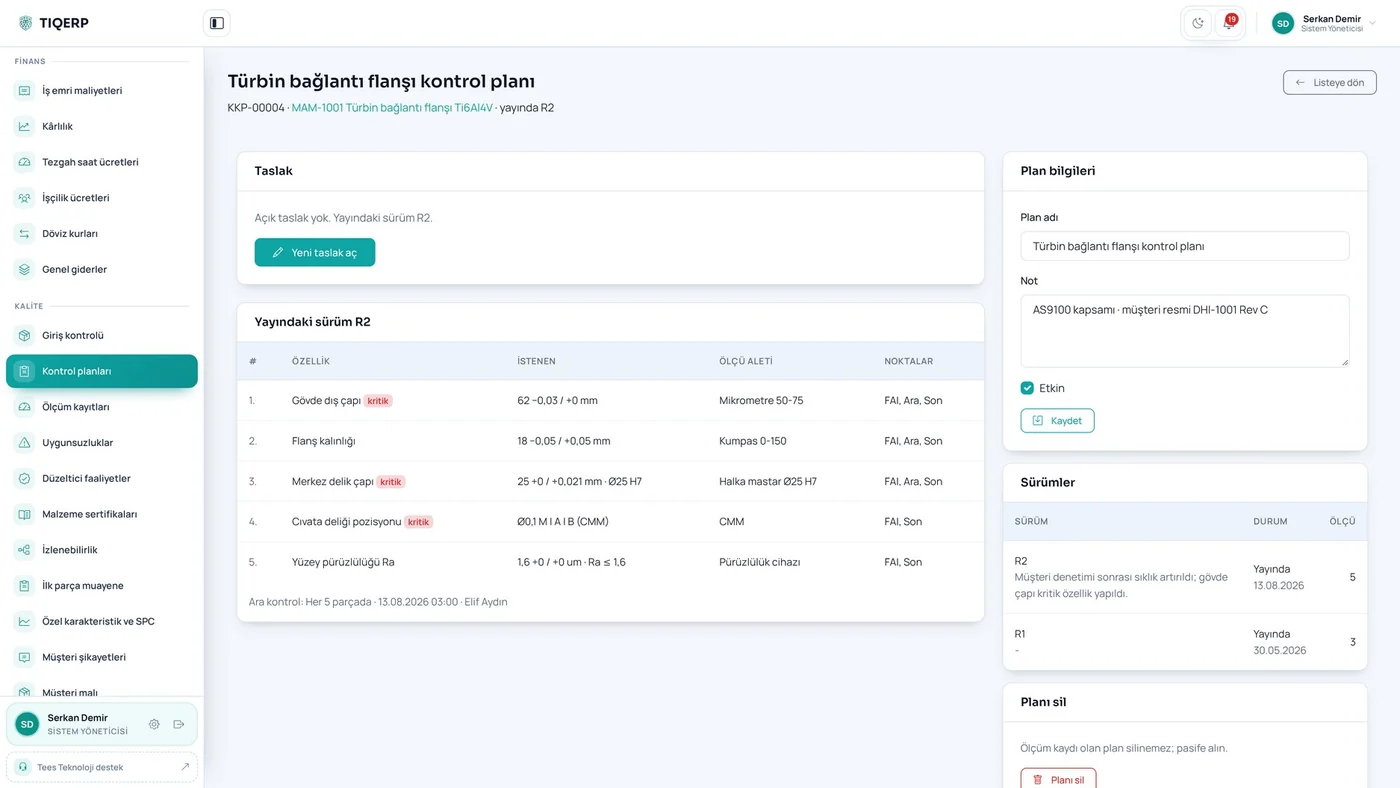
Pressing start first opens the instruction screen: the drawing, critical dimensions, the tools to be used and the warnings. The operator cannot begin before ticking three boxes — I reviewed the drawing, I checked the tools, I read the warnings. The instruction version approved is recorded, and if a new version is published while he is working a red warning appears and approval is requested again.
This is exactly where the system differs from an ordinary ERP: it does not only keep records, it prevents production from running on the wrong information.
When the shift changes another operator continues the same job and each person's output is recorded separately. One operator can run several machines at once; the time is shared so labour cost is not counted twice. For special processes, a person without a valid competence record cannot start the job.
Collecting data directly from machines is part of the system. Once a machine is connected, run and downtime durations come from the machine itself, merge with what the operator entered, and OEE is calculated from availability, performance and quality.
What matters is this: the system works without waiting for that. Andon, downtime and scrap tracking do not require the machines to be wired; the data comes from the terminal. That saves weeks at the first installation — make the floor work first, connect the machines later.
We listen to how you produce and decide together which modules you need. Installation is done on site and training is included.